
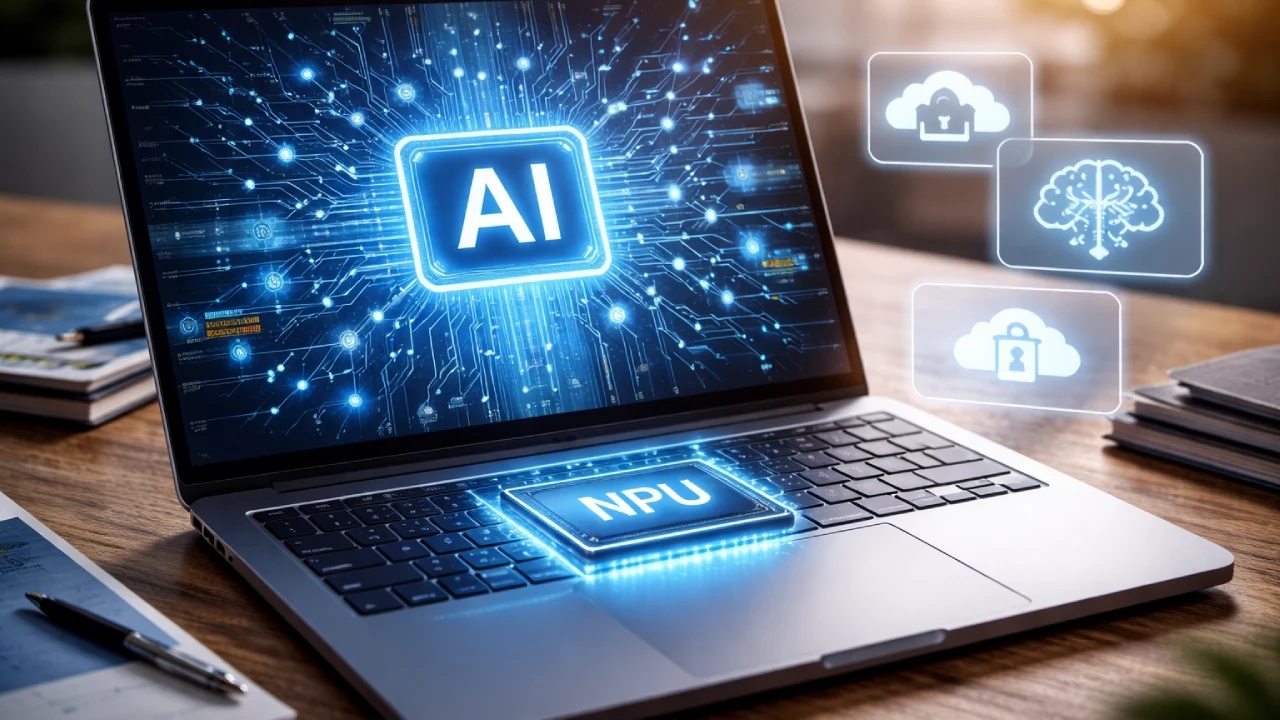
Alright, so we're talking AI PCs again. And honestly, my first thought is usually, 'Do we really *need* another buzzword?' It feels like every few years, the tech industry picks a new hill to die on, right? Remember netbooks? Or 3D screens on laptops? Yeah, exactly. This time, it's 'AI PC,' and it’s splashed across every keynote slide, every shiny new laptop box, and probably in a few operating system updates coming our way in 2026, according to the whispers.
But here’s the kicker, and maybe this is where my slightly tired, human brain kicks in: for a lot of us, the actual experience is, well, *underwhelming*. You get this new, supposedly 'AI-powered' laptop, and... it still looks like a laptop. Your apps still open the same way. The battery life might be a bit all over the place, sometimes great, sometimes not. And as for this 'intelligence' it's supposed to possess? Most users find it genuinely difficult to perceive. There's a gap, a pretty significant one, between the marketing hype and the reality living on our desks.
What's the Deal with NPUs, Anyway?
So, at the heart of this whole AI PC thing is something called an NPU. That's a Neural Processing Unit. Think of it as a specialized co-processor, sitting alongside your main CPU and your GPU. CPUs are great for general-purpose tasks, GPUs are fantastic for graphics and parallel processing (which, by the way, is why they've been so central to early AI development). But NPUs? They're designed from the ground up to handle AI workloads with incredible efficiency. Inference, specifically.
Why do we need a dedicated chip for this? Good question. Because AI tasks, things like running large language models, image recognition, or real-time transcription, can be incredibly demanding. Throwing all that at your main CPU or even your GPU constantly would drain your battery faster than a kid with a juice box. And generate a lot of heat. The NPU is built to do these specific tasks using less power, more efficiently. It's about offloading. Taking the burden off the heavy lifters.
Now, this isn't entirely new, mind you. Mobile phones have had dedicated AI accelerators for a while. Think about how quickly your phone can recognize faces in photos, or process voice commands. That's often thanks to a mobile NPU. Bringing that capability to a PC, in theory, opens up a whole new world of possibilities for on-device AI.
The '7 Critical Truths' We Need to Talk About
Okay, so let's cut through the fluff and get to some actual truths about these AI PCs and their NPUs. Because there are quite a few things marketing doesn't quite tell you, or glosses over:
- It's Not About Making Your PC 'Smart' Overnight: NPUs enable *specific* AI features. They won't magically make Windows write your emails. Not yet, anyway. They're for things like enhanced video calls (background blur, eye contact correction), local image generation, or maybe better search features within your files. Incremental steps, not a HAL 9000 moment.
- Software is the Key, and It's Lagging: This is the biggest truth, I think. Having the hardware is one thing. Having software that *uses* that hardware effectively is another. Right now, the killer apps for NPUs are still being developed. Developers need to integrate NPU acceleration into their applications, and that takes time. That's why the experience feels underwhelming – the underlying infrastructure isn't fully utilized.
- Performance Gains Can Be Subtle: You're not going to feel a 10x speed boost in Word. The NPU shines in very specific scenarios. So, if you're not using those specific AI-accelerated features, your AI PC feels just like your old PC. Which, for many, is the problem.
- Battery Life is a Mixed Bag: While NPUs are designed for efficiency, initial implementations can be... unpredictable. Some AI tasks might be so intensive they still drain power, or the software isn't optimizing the offloading correctly. It's a work in progress.
- Privacy is a Double-Edged Sword: This is huge. On one hand, having AI processing happen *on your device* is a massive win for privacy. Your data doesn't need to be sent to a cloud server to analyze your face during a video call or transcribe your notes. It stays local.
- But Privacy Isn't Guaranteed: On the *other* hand, local processing doesn't automatically mean privacy. Who has access to that local AI model? Is it always secure? What data *is* being collected, even if it's processed locally? This is new territory, and new attack vectors could emerge. We need transparency, not just promises.
- The 'AI PC' Is a Journey, Not a Destination: This isn't a finished product. It's an evolving category. The first iteration is rarely perfect, and AI PCs are no exception. We're on the ground floor of something that *could* be revolutionary, but it's going to take years to mature. Patience, grasshopper.
The Privacy Conundrum: Local vs. Cloud
Let's double-click on the privacy aspect for a second, because it's a genuine point of interest and concern. The promise of the NPU is that it allows for 'on-device' AI. This is a big deal, right? Instead of your voice commands, your face scans, or your document summaries being shipped off to some server farm in who-knows-where, potentially stored indefinitely, it all happens right there, on your machine. Less data in transit, less data on someone else's server, theoretically less risk.
I remember a few years back, when everyone was getting their smart speakers, and there was this huge kerfuffle about whether Amazon or Google was listening in. Turns out, sometimes they were, or at least, contractors were reviewing snippets. The idea of an NPU is to try and circumvent that kind of data leakage. Your AI assistant could analyze your local files to help you find that specific report without ever sending your document contents to Microsoft or Google. That's a good thing. A very good thing.
However, and this is a big however, 'local' doesn't automatically equate to 'private.' The operating system itself, or the applications you install, could still be designed to collect data, even if it's processed by the NPU. Or, what if the NPU itself has vulnerabilities? Or what if a future AI model running locally is trained on data you'd rather not have it 'see'? It's a new frontier, and it demands careful scrutiny from both users and regulators. We need clear policies on data retention, model updates, and user control. Without that, the NPU could just be another black box.
My Take: A Glimmer of Hope, A Lot of Wait-and-See
So, where do I land on this whole AI PC thing? I'm cautiously optimistic, but leaning heavily on the 'cautious' part. The potential for truly private, efficient, and powerful on-device AI is incredibly exciting. Imagine a world where your PC genuinely understands your workflow, anticipates your needs, and helps you create, all without sending your digital life to the cloud. That's the dream.
But right now, we're in the awkward teenage phase of AI PCs. They're trying to figure out who they are, what they can do, and honestly, they're a bit clumsy. The hardware is getting there, slowly but surely. The software, though, that's the part that needs to catch up. Until developers fully embrace and optimize for these NPUs, until operating systems truly integrate these capabilities in a seamless, perceptible way, the 'AI PC' will continue to feel like a marketing term rather than a revolutionary leap.
And until the privacy implications are rock-solid, until we know *exactly* what data is being processed, where, and by whom, it’s going to be hard for many to fully trust. The gap between promise and reality is palpable. We need more 'huh, that's cool!' moments and fewer 'huh, what was that supposed to do?' moments.
🚀 Tech Discussion:
undefined
Generated by TechPulse AI Engine